

Download Alphabet Pickup – Learn Alphabet, Educational Game, Animal Names, Spelling Practice, Preschool Learning
Overview
Alphabet Pickup is an educational mobile game designed to support early literacy development through playful, interactive experiences. The app invites players to assist a diverse cast of animals in spelling their names, combining learning with engaging gameplay mechanics. By integrating letter recognition, phonics, and sequencing, the app addresses foundational reading skills in a fun and accessible format. It is particularly suited for preschoolers and early elementary learners, though its charming design and progressive challenges appeal to players of all ages.
The game’s core purpose is to make learning the alphabet enjoyable by embedding spelling exercises within a narrative-driven environment. Each animal character has a unique name and personality, which helps reinforce name recognition and spelling accuracy. The app supports real-world learning outcomes such as improved vocabulary, letter-sound associations, and cognitive flexibility. It fits within the growing ecosystem of educational tools that leverage gamification to promote skill retention and motivation in young learners.
Developed by Alphablocks Games, the app reflects a focus on child-friendly design and pedagogical structure. Although the developer did not provide additional technical details, the app’s release in December 2024 suggests it is a recent addition to the education category. Its presence on Android with a free pricing model indicates accessibility for a broad audience. The game’s use of themed levels and dynamic environments further enhances its role as a tool for both entertainment and cognitive development.
Key Features & Functionality
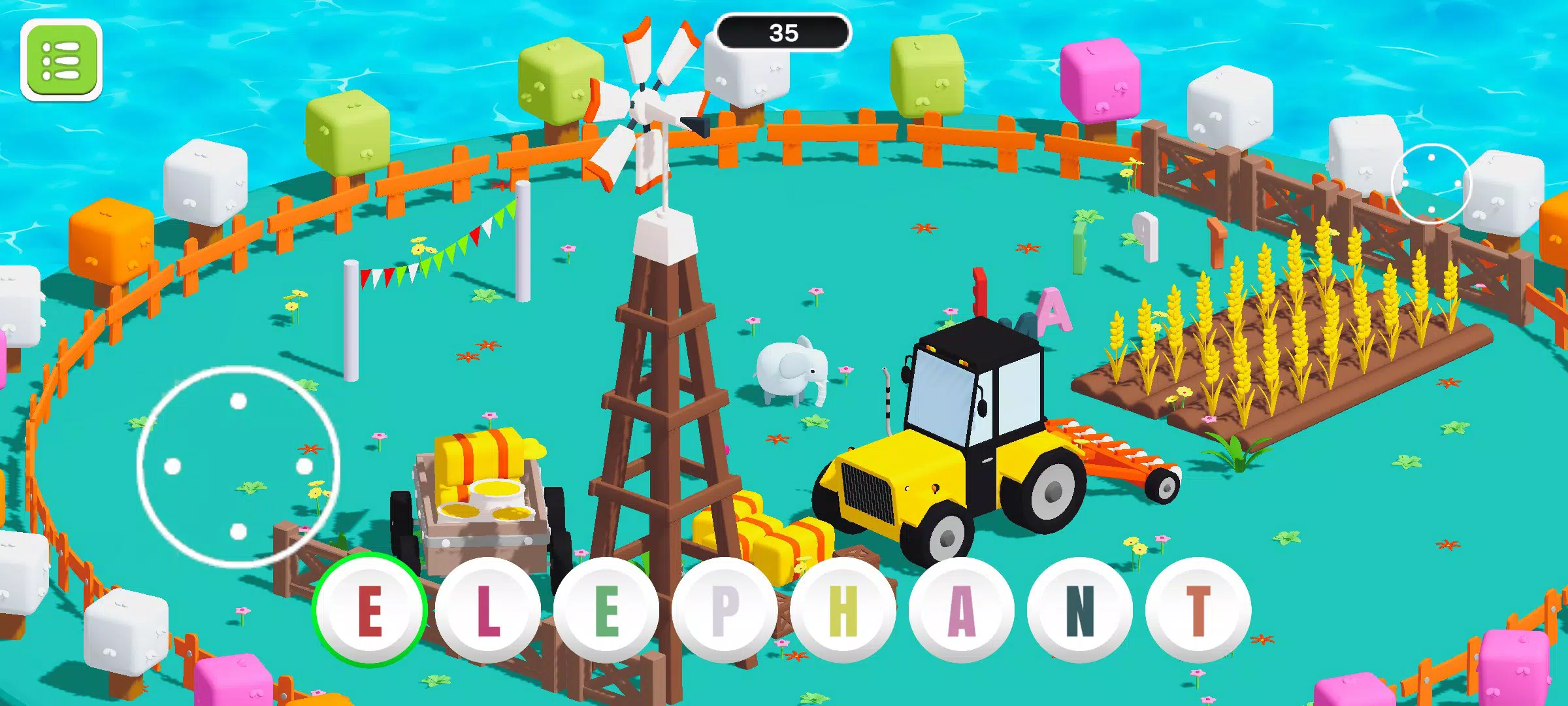
- Diverse Animal Cast: Players interact with a variety of animals, from domestic pets like cats and dogs to exotic species such as elephants and zebras. Each animal has a distinct name and set of spelling challenges, encouraging repeated engagement and exposure to different vocabulary.
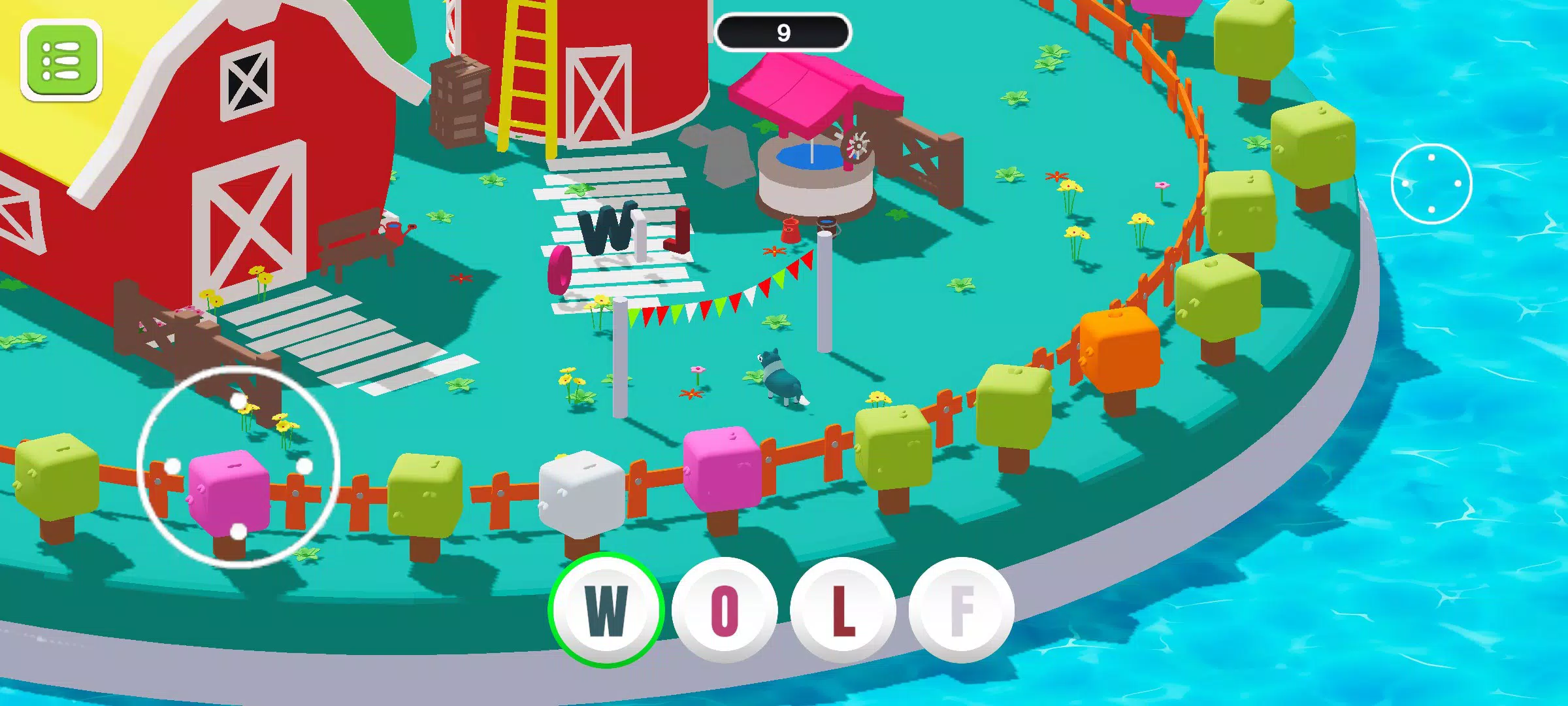
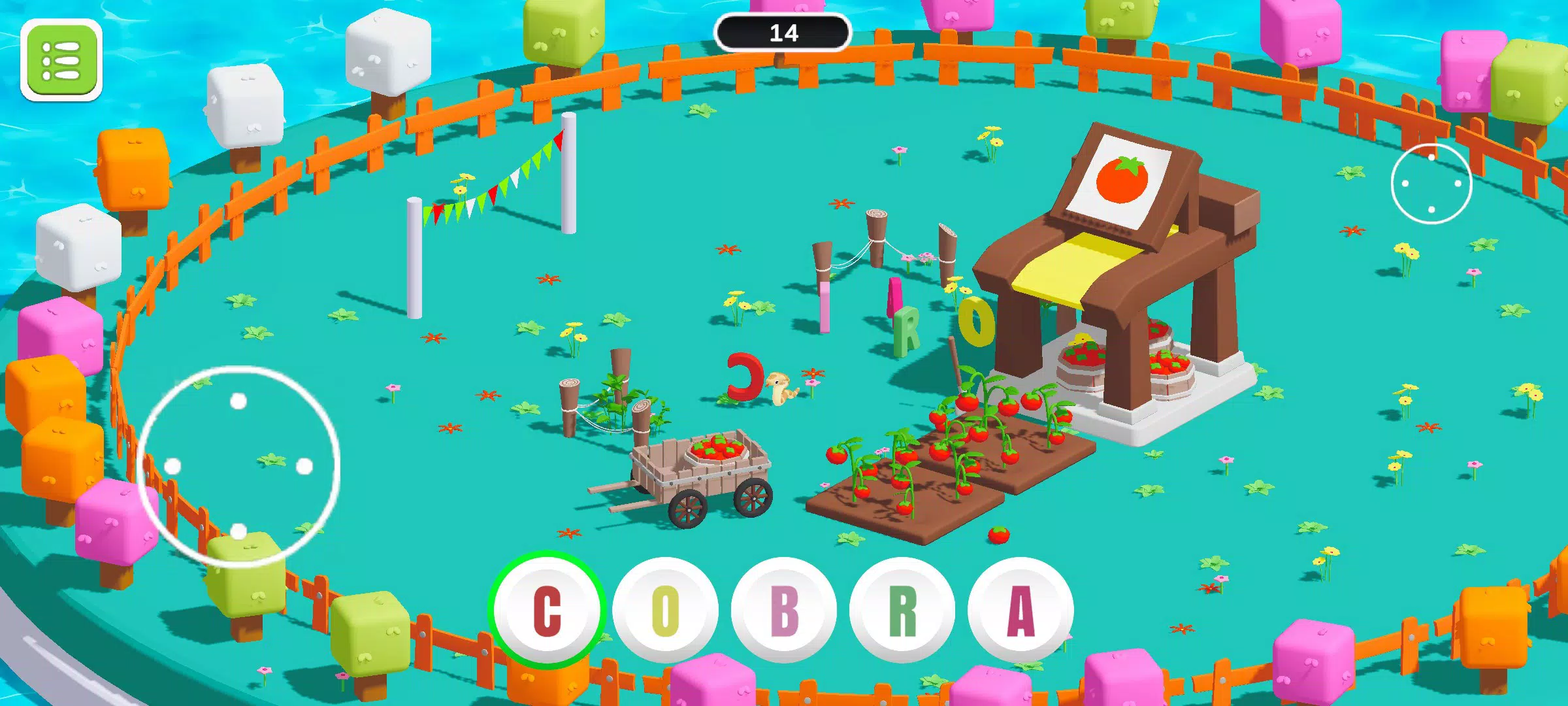
- Dynamic Levels: The game features themed environments including jungles, arctic regions, and farms, each reflecting the natural habitat of the featured animals. These visually rich levels are accompanied by appropriate soundtracks and interactive elements, enhancing immersion and contextual learning.
- Progressive Difficulty: The app begins with three-letter animal names and gradually introduces longer, more complex names as players advance. This structured progression ensures a balanced learning curve, helping users build confidence while developing spelling accuracy.
- Multiplayer Mode: Players can compete or collaborate with friends in real-time challenges. This social component adds a layer of motivation and encourages teamwork or friendly competition, reinforcing learning through shared experiences.
- Problem-Solving Skills: As players navigate obstacles and plan letter collection routes, they engage in strategic thinking and decision-making. This aspect of the game supports the development of critical thinking and planning abilities beyond basic spelling.
For example, a player might guide a zebra through a jungle level, collecting scattered letters while avoiding traps. The need to plan ahead and sequence letters correctly turns each level into a mini-puzzle. This hands-on approach strengthens cognitive engagement and makes learning feel active rather than passive.
Interface, UX & Performance
The user interface of Alphabet Pickup is designed with simplicity and clarity in mind. Navigation is intuitive, allowing users to easily access levels, characters, and game settings. The visual style is bright, colorful, and child-appropriate, with rounded icons, soft edges, and expressive animal animations that appeal to younger audiences.
Gameplay flow is smooth, with clear feedback for correct and incorrect letter placements. The app responds promptly to touch inputs, and transitions between levels are seamless. Although the developer did not list formal performance metrics, the app’s 105 MB size suggests efficient resource usage, which supports stable operation on mid-range Android devices.
Responsiveness across different screen sizes appears to be well-managed, ensuring that gameplay remains accessible on a variety of devices. Stability during extended play sessions has not been reported as an issue, and the app maintains consistent performance without noticeable lag or crashes. The absence of intrusive ads or pop-ups contributes to a focused and enjoyable experience.
Platform Compatibility & Technical Requirements
Alphabet Pickup is available exclusively on the Android platform. The app is compatible with Android devices running the required operating system, though specific minimum OS versions were not listed by the developer. The file size is 105 MB, which is relatively compact for an educational game with rich visuals and sound design.
Users can download and install the app directly from the Google Play Store, as it is distributed through official channels. The app is free to download and use, with no in-app purchases or subscription models mentioned in the provided details. Compatibility information was not fully disclosed, so users should ensure their device meets general Android requirements for app installation.
Pros and Cons
- Engaging educational content tailored for early learners
- Visually appealing and child-friendly interface
- Progressive difficulty supports skill-building
- Multiplayer mode enhances social learning
- Free to download and use
- Platform limited to Android only
- Specific OS requirements not disclosed
- Multiplayer functionality may require stable internet connection
- App size may vary slightly across devices
- No information on accessibility features for users with disabilities
FAQ
Is Alphabet Pickup safe for children?
Yes, the app is designed with young learners in mind and does not include inappropriate content. It is free from ads, in-app purchases, and external links, making it suitable for independent use by children.
Can I play Alphabet Pickup without an internet connection?
While the app supports offline gameplay for single-player levels, multiplayer mode requires an active internet connection to function.
Is the app available on iOS?
Currently, the app is only available on Android. There is no information about an iOS release at this time.
How often are updates released?
The developer has not specified a release schedule for updates. However, the app was recently released in December 2024, indicating active development.
Does the app collect personal data?
Based on the available information, the app does not appear to collect personal data. It operates without requiring user accounts or login credentials.
Final Thoughts
Alphabet Pickup stands out as a thoughtful blend of education and entertainment, offering a meaningful way for young children to practice spelling and letter recognition. Its charming animal characters, dynamic environments, and progressive challenges create a rich learning experience that feels more like play than study. The inclusion of multiplayer functionality adds a social dimension that can enhance motivation and engagement.
While platform availability is limited to Android and specific technical requirements are not detailed, the app’s lightweight size and free model make it accessible to a wide audience. It is ideal for parents, teachers, and caregivers seeking a reliable, safe, and enjoyable tool for early literacy development.
Download Alphabet Pickup now


